









-
⚠️ IMPORTANT INFORMATION: Installation and Charging Warning
-
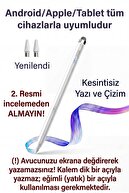
This item you have purchased has universal compatibility technology. In this way, your tablet imitates the sensitivity of your finger while detecting the pen. Please read the following setting and charging instructions carefully so that your product can operate for a long time without deterioration.
-
🔌 1st CHARGING RULE (Please Note!)
-
The battery of this pen has a delicate structure. New generation fast charging adapters (Apple 20W, Samsung 25W/45W, etc.) prevent the pen from charging or burn the battery and BREAK the device because it gives high voltage.
-
❌ Never Use: Phone/tablet adapters with Fast Charge.
-
✅ Recommended Charging Method: The healthiest method to charge the pen is with PC or Laptop USB ports.
-
✅ Alternative: If you are going to plug in, use only old-style, low-current (Maximum 5V 1A or 5V 2A) standard charging heads.
-
⚙️ 2 nd TABLET SETTINGS (Do This if Not Writing Pen)
-
On some tablets, factory or retrofitted settings may prevent the use of external pens. Before using the pen, you should turn off the following settings according to your device:
-
For 🍏 Apple iPad Users:
-
iPad is set to block touches other than the original stylus.
-
Go to Settings > Apple Pencil menu
-
TURN OFF the "Only Draw with Apple Pencil" option.
-
If you have an original Apple Pencil pre-connected to your iPad, disconnect this stylus from the Bluetooth settings ("Forget this device").
-
For 🤖 Samsung, Huawei, Honor and Android Tablets:
-
If "Pen Only Mode" is on on your device or the original pen is connected, this pen will not work.
-
Disconnect: If there is an original pen (S-Pen, etc.) that comes with the tablet, disconnect it from the Bluetooth settings.
-
Application Permission: In the note application you are using (Samsung Notes, etc.), TURN ON the "Allow drawing with your finger" feature in the settings in the upper right corner. If there is a "Draw only with S-Pen" setting, TURN IT OFF.
-
💡 -General Tip:
-
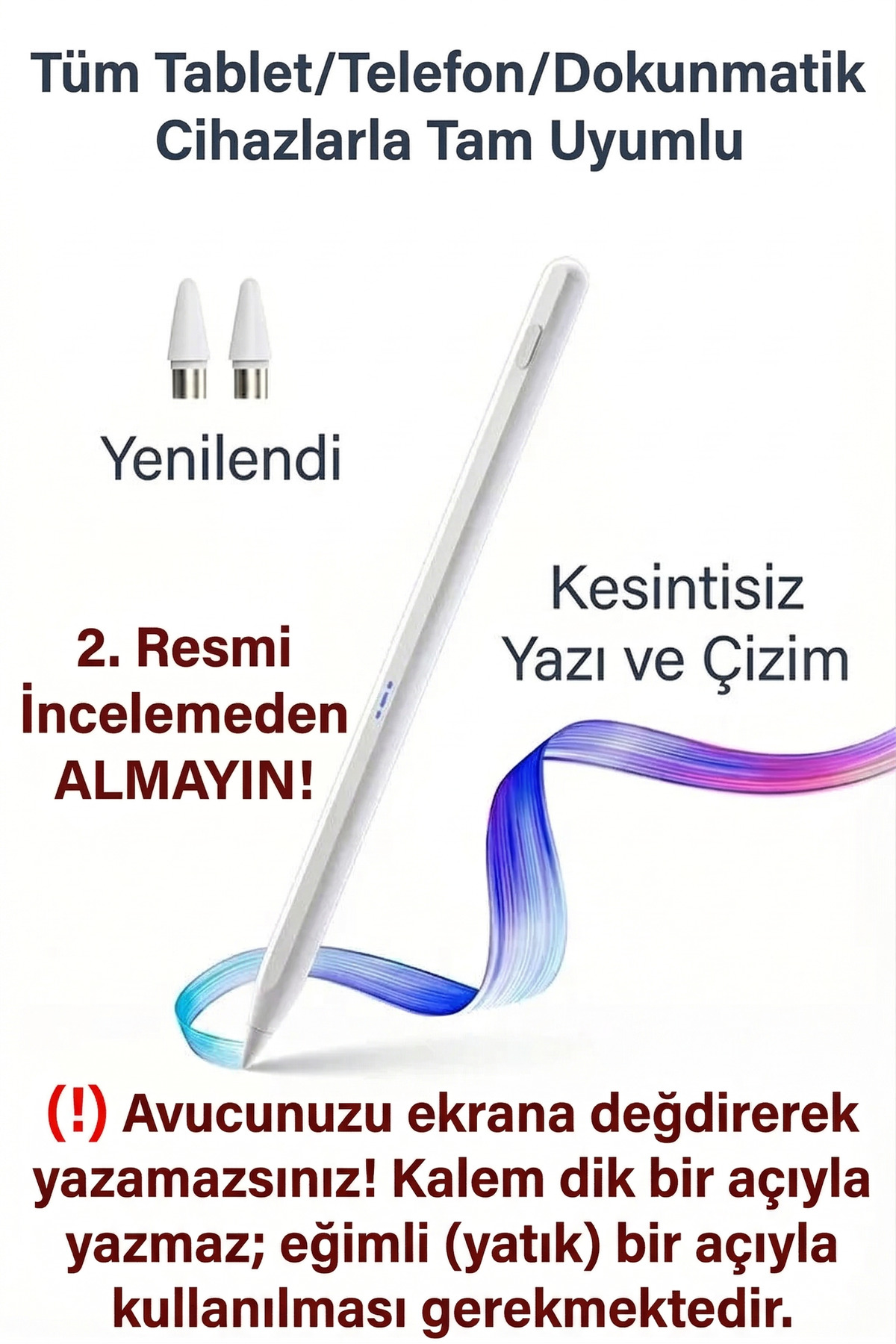
The product DOES NOT WRITE in the Upright Position!!! 30 You have to hold it at a 40 Degree Angle. This pen does not require a Bluetooth connection (except for some models), you can use it directly by pressing the top/key and turning on the light. If it does not write even though the light is on
-
the reason for the problem is that there is a 99% chance that the above tablet settings have not been made.
-
!!! THERE IS NO PALM DETECTION, IF YOU TOUCH YOUR HAND ON THE SCREEN, IT DOES NOT WRITE INTERMITTENTLY!!!
-
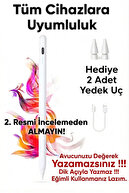
- Wide Compatible Model – Perfectly Compatible with All Your Digital Devices! Works fully compatible with iOS and Android touch phones and tablets.
-
Offers a seamless experience on your wide range of devices.
-
- High Precision – Original Apple Pencil Tips Quality! Equipped with 100% original quality tips, this pen allows you to capture even the finest details.
-
True Apple Pencil Nib: Precise: Reacts instantly to even the slightest touch.
-
No Skipping: Offers a seamless and fluid writing/drawing experience.
-
No Boots: It does not damage your screen, you can use it safely.
-
Durable: Designed for long-lasting use.
-
Difference from Others: You will not experience problems such as delay, jumping, scratching and easy breakage caused by Fiber/Copper/Low Quality POM inserts.
-
- 3 led Power Indicators – Always Know Your Power! Thanks to 3 LED lights that instantly show the charging status of the pen, you can always monitor your battery level: 70-100% Capacity: Full charge 30-70% Capacity: Medium charge 5-30% Capacity: Low charge 4. Different Use
-
Fully recharges in just 0.5 hours.
-
Others: It is usually fully charged in 1 hour and offers shorter use.
-
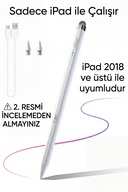
For iPad 2018 and Above Devices, Prefer the Products with iPad Pen in the Announcement Title on Sale in Our Store.
•
•
•
•
•
•
•
•
•
•

favorite
Favoritesaccount_circle
Sign Inshopping_bag
Cart Catalogue
