




-
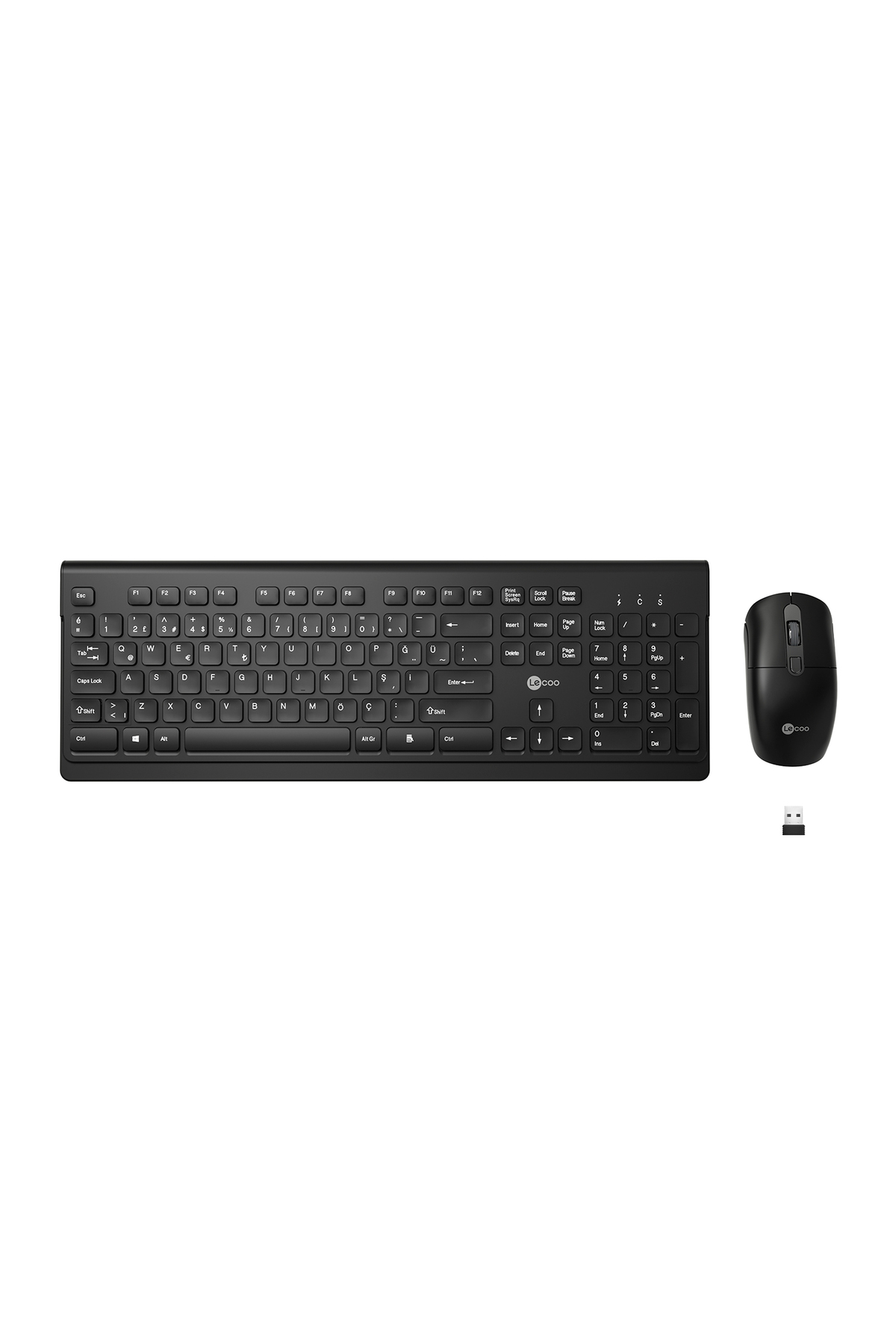
Lenovo Lecoo KW203 Wireless Keyboard and Mouse Set is a plug and play keyboard & mouse set with a fully wireless and fast setup ready to connect
-
Allows you to use it without installing any drivers
-
Keyboard keys have rounded grooves
-
Since the keys are silent, you can easily use them at any time of the day
-
The unique texture on the mouse is developed for an easy-to-use experience
-
With its ergonomic structure designed to be used with both hands, the mouse becomes your best assistant in your long-term work
-
Is a trusted partner for your desk at home or at work
-
With the battery warning light on the keyboard, you can prevent your work from being incomplete
-
Gorgeous FitLenovo Lecoo KW203 Wireless Keyboard and Mouse Set, keyboard and mouse tested in laboratory environment, sound reduced to maximum value, providing you and your surroundings with a quiet workspace
-
In addition to all this, Lenovo Lecoo KW203 is a Turkish keyboard
-
Seamless ConnectionLenovo Lecoo KW203 Wireless Keyboard and Mouse Set, 2
-
Includes 4GHz wireless technology
-
With its long-range wireless structure, it eliminates connection delays, interruptions and frequency interferences
-
Keyboard Product FeaturesNumber of Keys: 104Wireless Connection Type: 2
-
4 GhzSensor: SE69KReceiver: USB 2
-
0Effective Wireless Usage Distance: 10 MetersPower Input: DC 3VKeys Detection Power: 55gr ± 7Battery: 2x AAKeys Life: 10 million dialsWeight: 421gSize: 438
-
5mm x 144mm x 14
-
0-5-0
-
2mm Mouse Product Features Number of Keys: 4 Wireless Connection Type: 2
-
4 GhzSensor: Invisible Optical Sensor V108Report Rate: 250 HzEffective Wireless Usage Distance: 10 MetersBattery: 1x AATuş Lifetime: 3 Million ClicksDPI: 1000
-
,1200
-
1600Current Voltage: DC 1
-
5V <15mWeight: 66gSize: 118mm x 61mm x 32.8± 0.2mmAdapted System: Windows 2000 / XP/Vista/Win7 / Win8 / Win10, etc
-
How to Use Lenovo Lecoo KW203 Wireless Keyboard and Mouse Set?Lenovo Lecoo KW203 Wireless Keyboard and Mouse Set includes the batteries you'll need
-
When you insert the batteries into the set, simply plug the USB receiver into your computer's USB port
-
No extra drivers required
•
•
•
•
•
•
•
•
•
•

favorite
Favoritesaccount_circle
Sign Inshopping_bag
Cart Catalogue
