











-
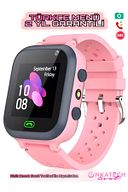
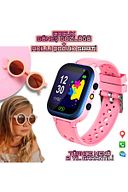
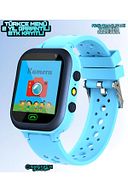
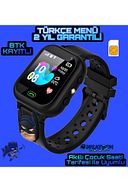
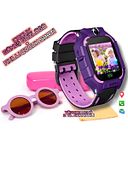
WHAT YOU CAN DO with your SMART KIDS WATCH Fun Math Game: There is a game that your child can play for the Smart Kids Watch to have fun and learn while having fun. Lesson Mode: If your child is at school, you can choose the lesson mode if you do not want him/her to be disturbed or busy with the Clock. Alarm: You can set alarms for your child to wake up or to perform different tasks. Remote Listening: You can listen to the sounds around you without your child knowing. Remote Camera: You can view the events around you without your child's knowledge. Adding Friends: You can add your child's friends and have fun with them. Location on the map: You will be able to instantly see where your child is on the map from your Smartphone. Conversation ( Phone feature ): It can call up to 10 people you will identify earlier in the app. He/she can only meet with these people. He/she cannot call anyone except for the numbers you set - he/she is not called. You can make a phone call with your child. Voicemail: You can leave a VOICEMAIL with your child. The child can send you a Voicemail SOS Emergency call: Your child presses the S O S button for 3 seconds and switches to the “S O S” position. In SOS position, Urgently via clock
-
You can check whether your child has left Home ,School, Course, Kindergarten, Shopping Mall. Past Location-Footprint: You can track where, on which day, at what time your child went to where he/she stayed for 30 days retrospectively through the application, and you can always view it on the map. Clock remote shutdown: After the time is defined or after the SIM card is inserted in the clock, it cannot be turned off until the charge on the clock is exhausted. You can only turn off the watch remotely via the app. NOTE:
•
•
•
•
•
•
•
•
•
•

favorite
Favoritesaccount_circle
Sign Inshopping_bag
Cart Catalogue
