


-
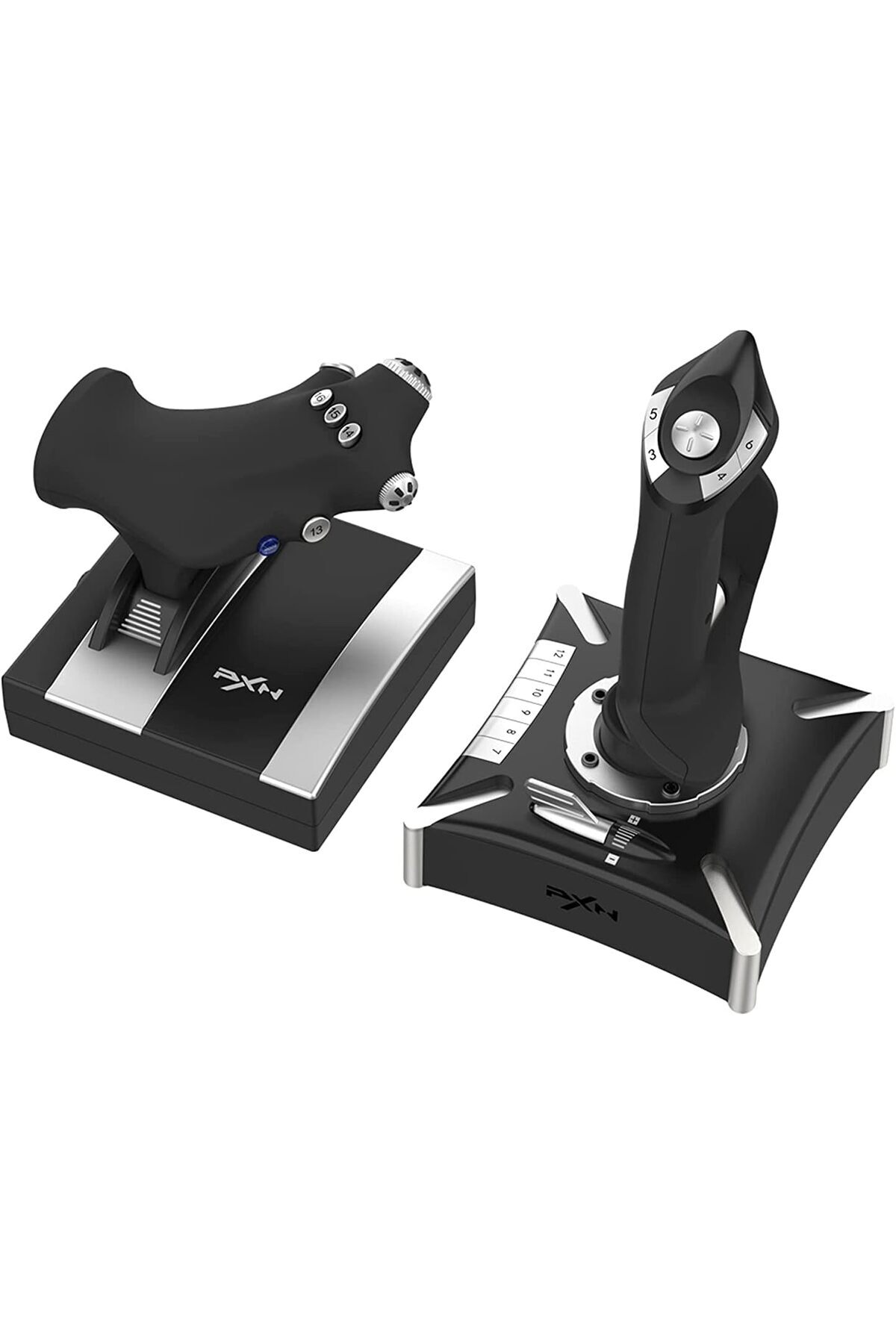
Joystick and Throttle Separate Design: According to the information on the box, the product offers a more regular and controlled use in flight simulations by designing the joystick and throttle unit in a separate structure.
-
It provides a functional structure for users who want to manage different commands through two separate controllers.
-
7 Axis 2 POV 16 Independent Keys: The product offers a wide control area with a total of 7 axes, 2 POV and 16 independent action keys.
-
It reflects the basic technical structure on the box for users who want to more comprehensively manage direction, gas, maneuvering and different command inputs during flight.
-
Standalone Joystick Use: The joystick unit can also be used alone.
-
In this usage structure, there are 4 axes, 1 POV and 12 independent action keys information on the box.
-
Thus, only the joystick unit can be controlled according to the usage scenario.
-
8-Way Line Switch and Twist Axis: The product has control components such as 8-way hat switch, twist axis, slide and throttle axis.
-
This structure helps to use different direction and command inputs in a more accessible way during the flight simulation.
-
Key Mapping Support: According to the information on the box, the product has software-supported key mapping feature.
-
Thanks to this structure, which supports the mapping of key tasks, the control layout can be organized according to usage habits.
-
Built-in Vibration Function: The built-in motor in the product supports different vibration effects.
-
This feature is one of the on-box features that aims to make the sense of control more effective in the flight simulation experience.
-
PC PS4 Xbox One/Series Compatible: PC, PS4 and Xbox One/Series information is indicated on the box as support platform.
-
Thus, users who want to use the product on more than one platform are offered a clearly stated compatibility on the box.
-
Windows 7 8 10 Supported: The system requirements section includes Windows 7, Windows 8 and Windows 10 support.
-
For users who plan to use the PC side, the operating system information specified on the box is presented in this way.
•
•
•
•
•
•
•
•
•
•

favorite
Favoritesaccount_circle
Sign Inshopping_bag
Cart Catalogue
