


-
- Measured at room temperature of 25°C (77°F), during 1080p/24fps (16:9) video recording, with RockSteady on, Wi-Fi off, Voice Control and Gesture Control off, and screens off. The data were collected in a controlled environment and should be considered for reference only. Actual battery life may vary due to local regulations regarding the operating temperature of the product when using Osmo Action 6 in the European Union and the United Kingdom. Please refer to the actual user experience.
-
- Two DJI microphones are required. Direct connection with the first generation DJI Mic is not supported. DJI microphones are sold separately.
-
-
- Before use, close the Battery Compartment Cover and USB-C Port Cover and install the Glass Lens Cover securely. It is recommended to wear the Waterproof Sleeve for long-term underwater shooting or shooting in high water pressure environments. Osmo Action 6 and its Waterproof Case have an IP68 waterproof rating. Do not use the camera in hot water sources or extreme underwater environments and do not bring it into contact with corrosive or unknown liquids. The shutter/record button is deactivated at about 0.14 MPa (about 14 m depth). The deactivation depth of the shutter/record button may vary depending on water conditions, air pressure, and device condition.
-
-
- In automatic mode, users can choose from five aperture ranges (f/2.0-f/4 .0, f/2.2-f/4 .0, f/2.4-f/4 .0, f/2.6-f/4 .0 and f/2.8-f/4 .0)
-
f/2.0-f/4 .0 is set by default. In Large Aperture (f/2.0) mode, the aperture is fixed at f/2.0. Aperture modes may be limited due to shooting modes and accessories. See the FAQ page on the Osmo Action 6 official website for details.
-
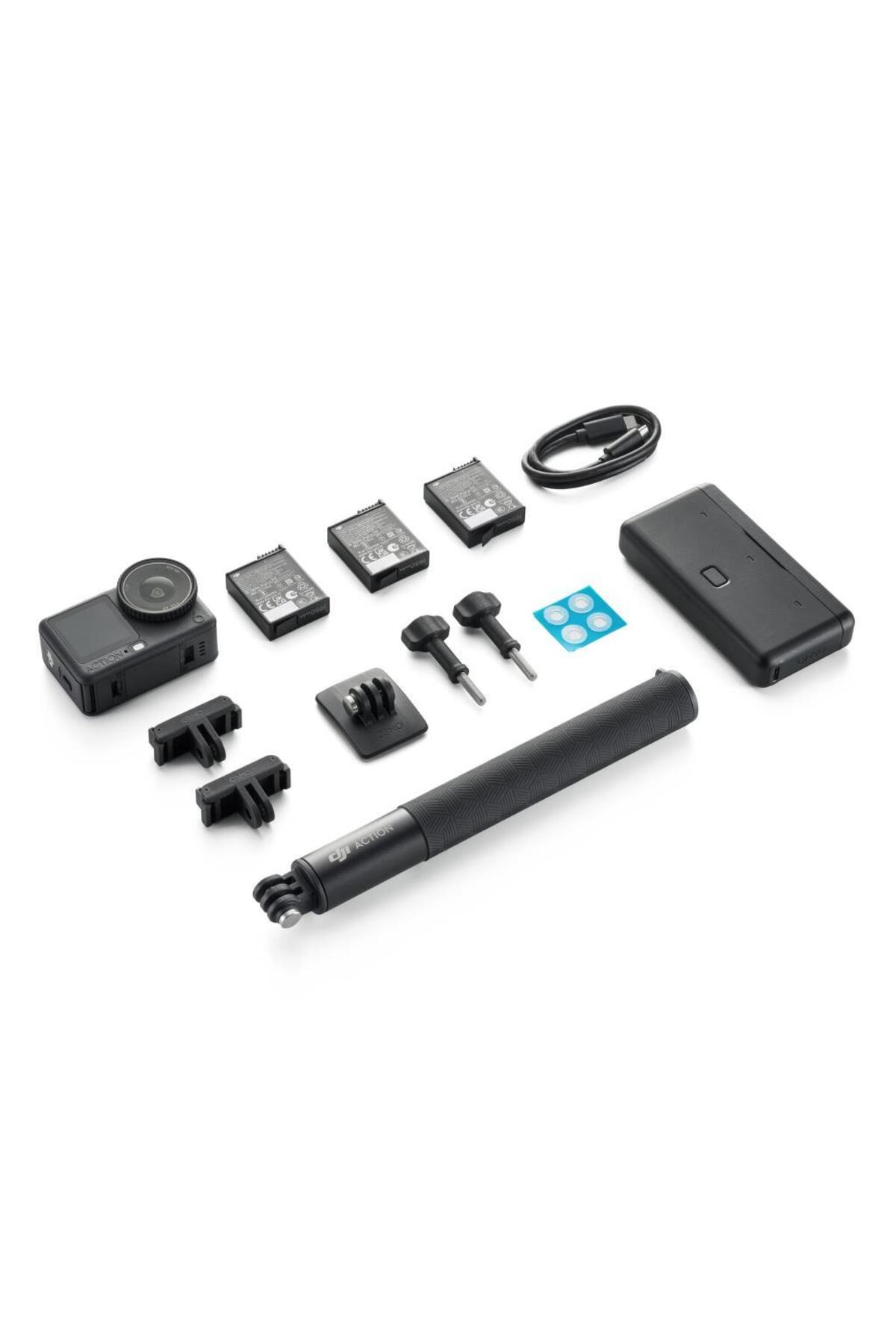
- The Osmo Action 6 Standard Combo does not include the Osmo Action 6 Macro Lens sold separately. When paired with the Macro Lens, the focal length can be adjusted from 11 cm to 75 cm. The Macro Lens is not suitable for underwater use (e.g. diving) and is splash-proof only. Some shooting modes or functions may be restricted while the Macro Lens is attached. Refer to the device screen for details.
-
- For best results, Starlight (f/4.0) aperture mode is recommended in city night scenes brighter than 80 lux.
-
- Super Night mode supports 10-bit color depth. HorizonSteady does not support 155° ultra-wide viewing angle or 4:3 aspect ratio. Some aperture modes may not be available in Super Night mode. See the FAQ page on the Osmo Action 6 official website for details.
-
- 10-bit D-Log M color mode can be enabled in standard video mode, Slow Motion mode, and Hyperlapse mode.
-
- To use 32× Super Slow Motion, you need to record a standard video at 1080p/240fps. After recording, you can apply the slow motion effect with just one tap on the camera playback interface. The frame rate of 960fps is an equivalent speed achieved by interpolation on camera at 1080p
-
is not native 4K.
-
-
- EIS is not supported in Timelapse and Slow Motion modes in Osmo Action 6. HorizonSteady and HorizonBalance are supported for 1080p/2.7K/4K video (≤ 60fps) at 16:9 aspect ratio and 4K Private videos with 60fps or below frame rate.
-
-
2× lossless zoom is not supported in 38MP and 34MP photo shoots or in Super Night, Subject Tracking, Slow Motion and Timelapse modes.
-
- Only supported at frame rates below 100fps and 16:9 aspect ratio.
-
- This feature requires the software to be updated to the latest version.
-
- The water pressure gauge is activated at a depth of 1 meter underwater and is only effective when the camera is submerged without a waterproof sleeve.
-
- Both hands can be detected within a range of 2 meters. Don't cover your head with your hands. Raise your hand and open your palm to start or stop recording, or take a photo. Effective distance may change with future software updates.
•
•
•
•
•
•
•
•
•
•

favorite
account_circle
shopping_bag
Cart Catalogue
