


-
The data were collected in a controlled environment. Actual experiences may vary.
-
- For compatibility information, refer to the smartphone compatibility list on the DJI official website.
-
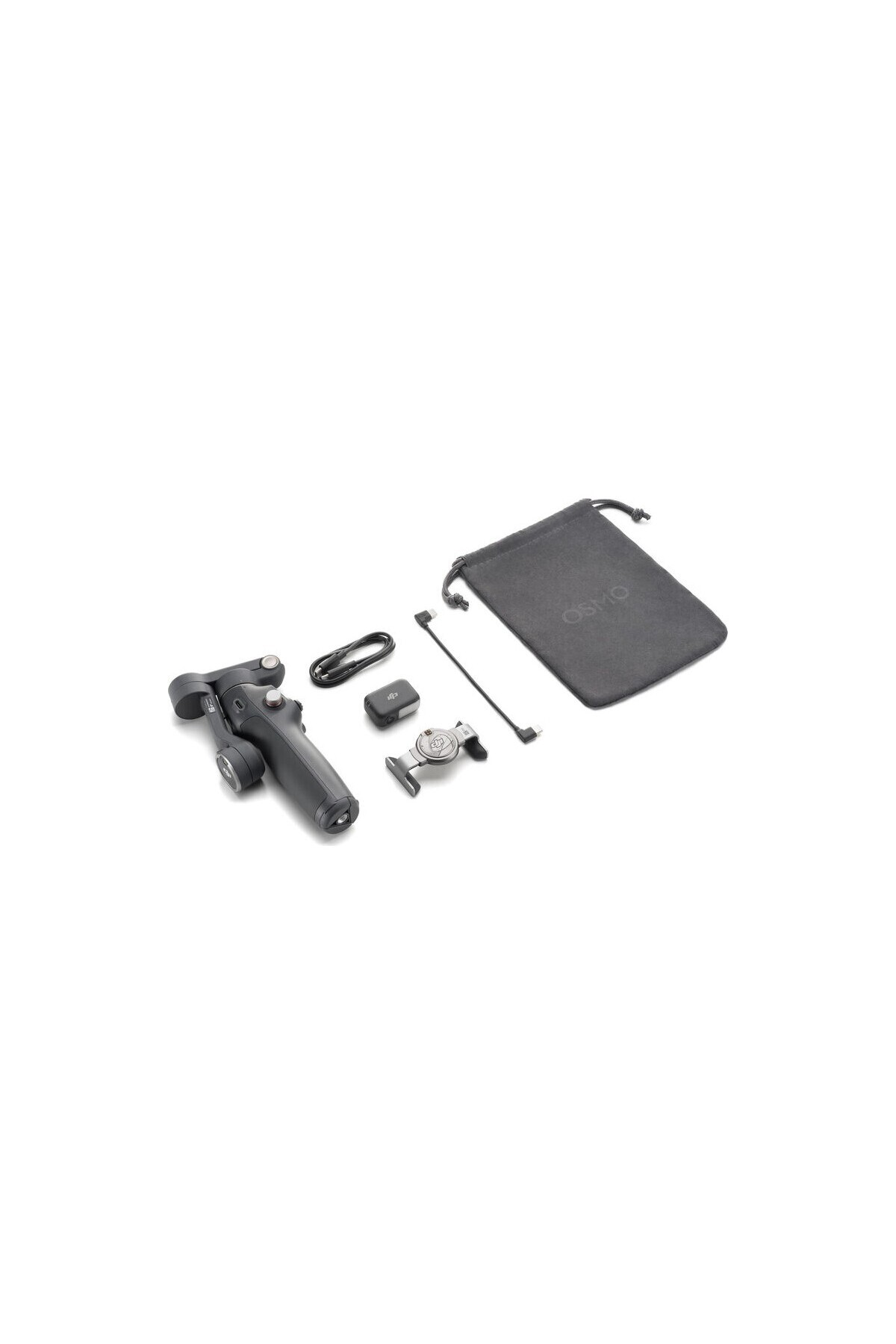
- The DJI OM Multifunctional Module is required to enable monitoring, audio reception (compatible with DJI Mic 3/DJI Mic Mini/DJI Mic 2 Transmitter) and lighting features and supports monitoring only humans or animals (cats and dogs).
-
- If your phone uses a Lightning port, you will need to purchase the Phone Charging/Voice Recording Cable (USB-C-Lightning) separately.
-
- Measured with gimbal in stable and stable condition, without additional accessories.
-
- ActiveTrack 7.0 is only available in the DJI Mimo app.
-
- Only available on iPhone 13 Pro, iPhone 13 Pro Max and later Pro and Pro Max models.
-
- Sold separately.
-
- The DJI Mimo app also supports motion control, but there are some differences. See the corresponding training video for details.
-
- Built-in tripod, suitable for stable and flat surfaces in windless environments.
-
- Sold separately. Supports iPhone 12 and later models only
-
Compatible with Apple's official iPhone cases with MagSafe, easy to use without removing the case.
-
- The weight of Osmo Mobile 8/Osmo Mobile 7P includes gimbal, built-in tripod, magnetic phone clamp and multifunction module. The weight of the Osmo Mobile 7 includes the gimbal, built-in tripod, and magnetic phone clamp. The weight of the Osmo Mobile SE includes the gimbal and magnetic phone clamp. Actual weight may vary slightly. Please refer to the final product delivered for precise details.
-
- Auto pop-up windows in DJI Mimo app are only supported on iPhone and may vary based on actual conditions. On first use, complete the device pairing, enable the Quick Launch feature in the app, and follow the instructions to complete the authorization.
•
•
•
•
•
•
•
•
•
•

favorite
Favoritesaccount_circle
Sign Inshopping_bag
Cart Catalogue
