


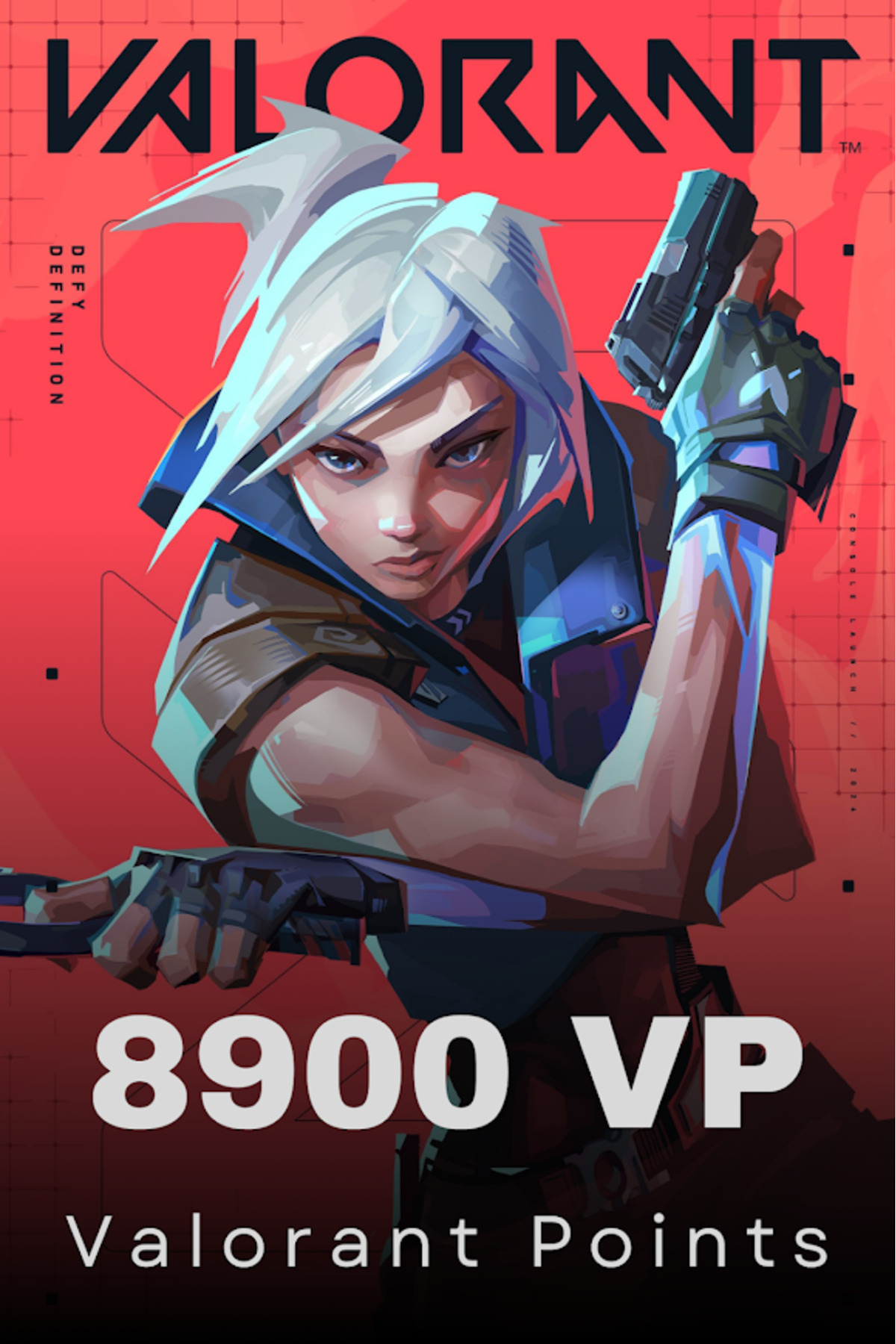
-
Products are not returned in accordance with the relevant article of the Turkish Commercial Code
-
the products are delivered instantly after the payment process is completed,
-
the pins are the responsibility of the user.
-
24/7 for your Valorant vp purchases
-
instant delivery.
-
How to install Valorant vp e-Pin with your Riot account
-
enter the valorant.
-
Click the vp button at the top right.
-
select purchase method "
-
riot pin and codes"
-
button.
-
enter the riot pin code you purchased in the field at the bottom and click "
-
send"
-
button.
-
congratulations! Your Riot pin has been successfully uploaded to your account.
-
Valid on en servers.
-
Take your game to the next level! sell
-
by purchasing the products you want from the in-game store with the valorant vp you purchased
-
you can take your valorant experience to the next level.
-
with this vp you can
-
you can: Agent costumes: Cool and exclusive for your favorite agents
-
buy costumes, impress your opponents with your style as well.
-
Gun?
-
skins: Customize your weapons, give them unique looks and
-
dazzle ON the battlefield.
-
weapon bracelets: to your weapons
-
make your style speak with the cool accessories you can wear.
-
in-game
-
visuals: custom visuals and sprays for your profile and in-game chats
-
purchase it.
-
battle ticket: Every season by purchasing the exclusive battle ticket
-
get exclusive rewards.
-
have fun with valorant vp! valorant vp
-
codes are also valid for Mobile and Console games.
•
•
•
•
•
•
•
•
•
•

favorite
account_circle
shopping_bag
Cart Catalogue
