


-
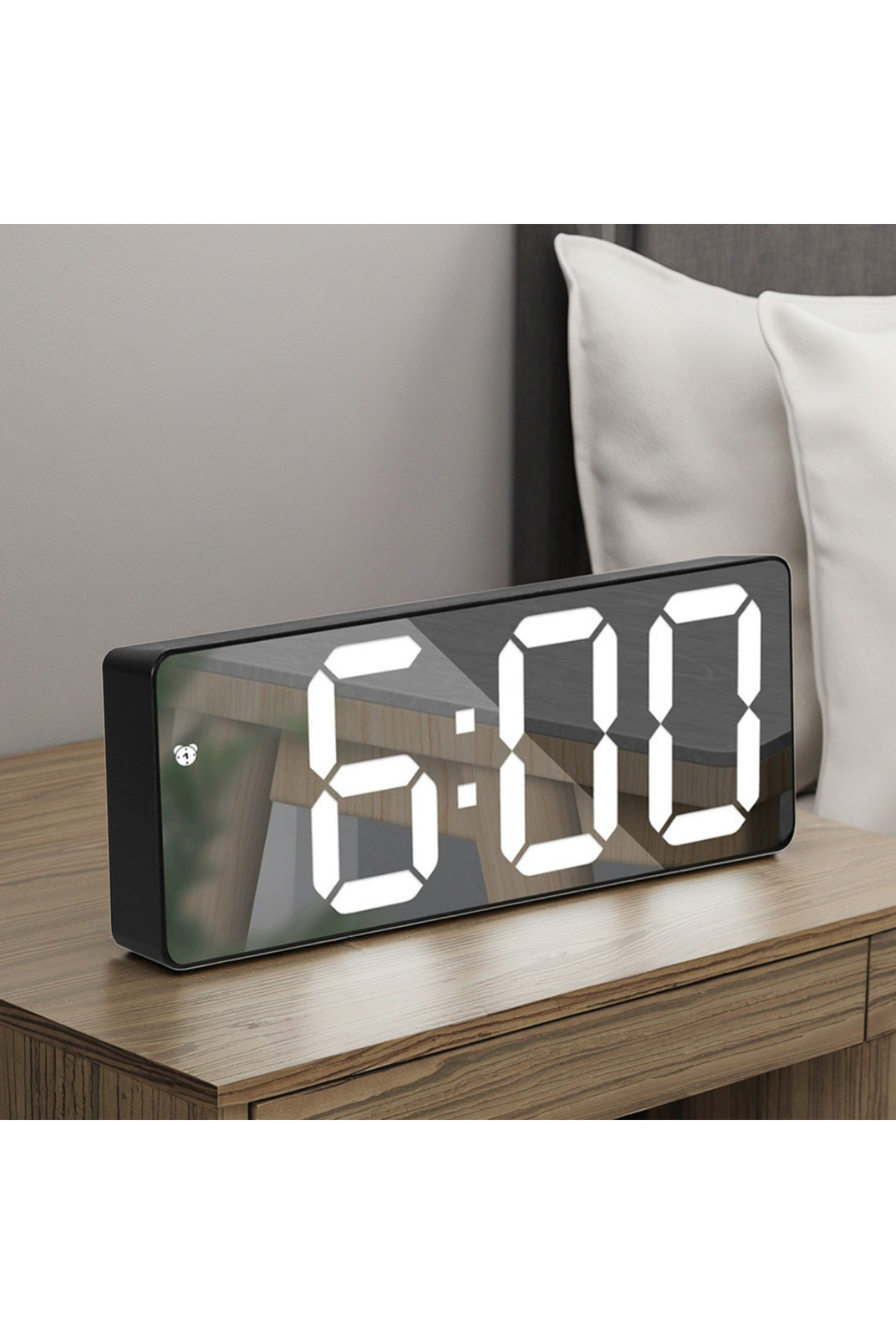
Kenly mirrored led digital desk clock ,thermometer ,calendar Alarm snooze - Night mode - Voice controlled Note 1: Take the protective film on the clock display, it will be brighter.
-
Note 2: This product contains led light, it is recommended to use it plugged in.
-
Only goes out after 10 seconds when used with AAA battery.
-
Move your hands or tap the table to wake up the screen.
-
Note 3: Do not use both plugged in and battery powered.
-
Time setting: 1.
-
Plug in the alarm clock and connect it to the power.
-
-
Long press the mode button.
-
-
You can switch between 12hr-24hr bypressing the Up-Down keys.
-
4
-
Switch to the clock setting screen by pressing the mode button.
-
-
Set the time by pressing the Up-Down keys.
-
-
Press the mode key again to switch to the minute setting.
-
-
Set the minute by pressing the Up-Down keys.
-
Date setting: 1.
-
Press the mode button 101 appears on the screen.
-
-
Long press the mode button again year appears.
-
-
Use the UP-Down keys to set the year.
-
4
-
Press the mode key 101 appears on the screen.
-
Press the mode key and set the month using the UP-Down keys.
-
Set the day using the UP-Down keys by pressing the mode key.
-
Night mode 1.
-
Press the mode button to display the date.
-
-
Press the mode button again to see the temperature.
-
-
Switch to night mode by turning the night mode switch to on by pressing the mode button again.
-
Alarm setting 1.
-
Press the alarm button to enter the alarm setting page.
-
-
Repeat the alarm button to turn the alarm on or off.
-
-
Long press the alarm button, the alarm clock flashes.
-
-
Press up or down to set the time.
-
4
-
Press the alarm button, the alarm flashes minute by minute.
-
-
Press alarm button delay time indicator (default is 5 minutes) 6.
-
Press up or down to set snooze minutes.
-
-
Press the alarm button to display the number of alarm clock working days (default 1-7 every day) 8.
-
Press up or down to set alarm clock working days (you can set 1-6 jobs or 1-5 jobs) 9.
-
Alarm set successfully.
-
There is an instruction manual.
•
•
•
•
•
•
•
•
•
•

favorite
account_circle
shopping_bag
Cart Catalogue
