


-
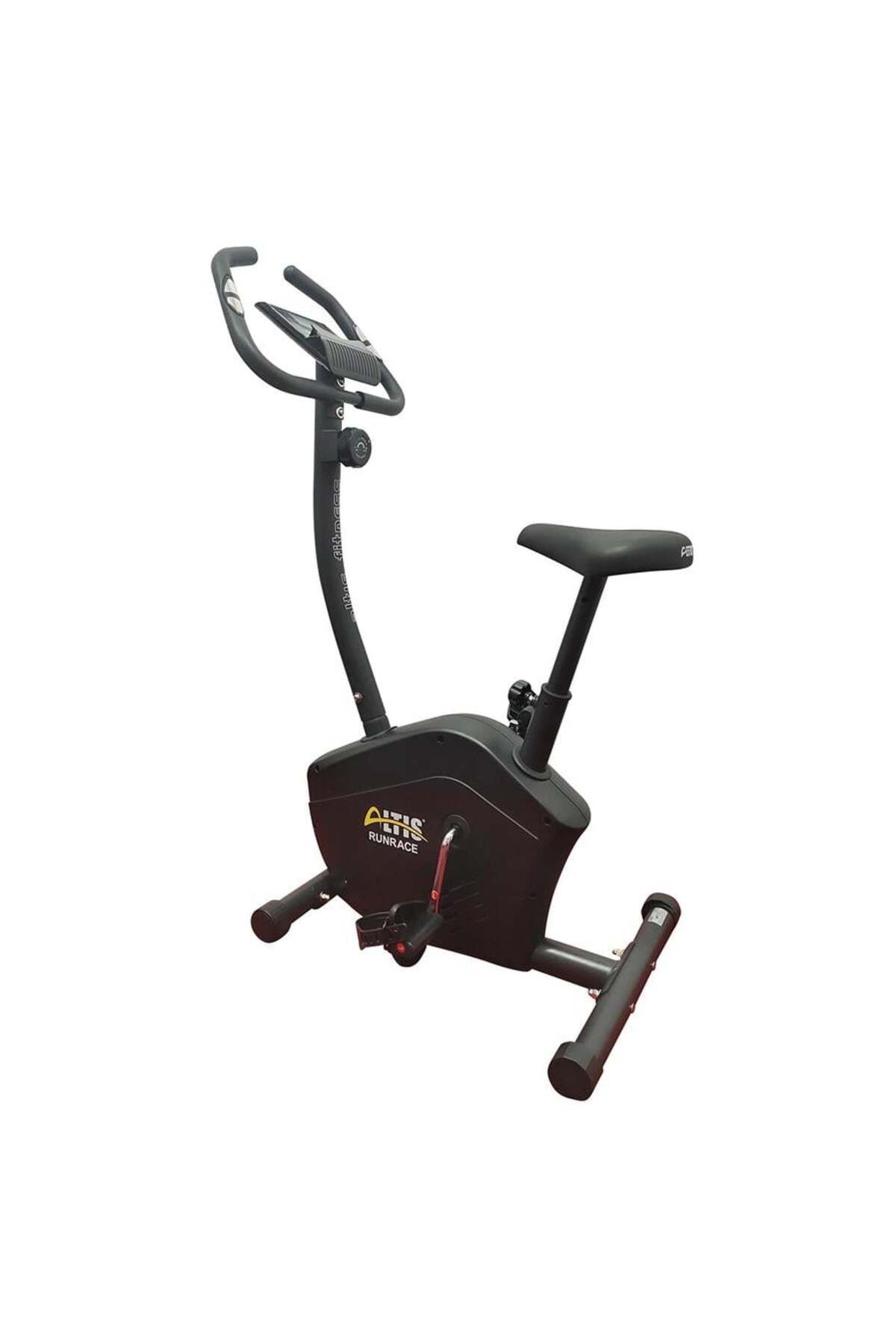
RUNRACE VERTICAL BICYCLE - Altis Barcode No: 8680562467859 NET: 18.5 KG G.
-
W
-
: 21.5 kgs Box size: 760X250X570MM SPECIFICATIONS : TIME (TMR) ………………………………………….
-
… 00:00-99: 59 SPEED (SPD) …………………………………………… .0.0 -99.9KM/ H (ML / H) DISTANCE (DISTANCE) ……………………………………….
-
0.00-99.99KM (ML) CALORIES (CAL) ……………………………………… 0.0-999.9KCAL? ODOMETER (ODO) ………………………………… 0-9999KM (ML) ? PULSE…………………………………… 40-240BPM KEY FUNCTIONS: MODE: This key allows you to select and lock a specific function that you want.
-
? SET (IF APPLICABLE): "TIME" "DISTANCE" can continue to generate data for "CALORIES".
-
? RESET (IF APPLICABLE): key to reset the value by pressing the key.
-
Operating PROCEDURES: 1. AUTOMATIC ON/ OFF ? The system turns on when any key is pressed or detects an input from the speed sensor.
-
? When there is no signal input of the speed or no key is pressed for about 4 minutes, the system switches off automatically.
-
- RESET The unit can be reset by changing the battery or pressing the MODE key for 3 seconds.
-
- MODE To select SCAN or lock if you do not want the scan mode, press the MODE key when the pointer on the desired function starts to flash.
-
FUNCTIONS: 1. time: Press the MODE key until the pointer is locked as time.
-
The total working time will be shown when starting the exercise.
-
2nd SPEED: Press the MODE key until the cursor moves to speed.
-
The current speed will be shown.
-
3rd DISTANCE: Press the MODE key until the cursor moves to distance.
-
The distance of each workout will be displayed.
-
- calorie: Press the MODE key until the cursor is locked to calorie.
-
Calories burned when starting the exercise will be displayed.
-
5th ODOMETER (IF APPLICABLE): Press the MODE key until the cursor moves to the odometer.
-
The total total distance will be shown.
-
- PULSE (IF APPLICABLE): Press the MODE key until the cursor moves to pulse.
-
The user's current heart rate will be displayed as the number of beats per minute.
-
Place your palms on both contact pads (or place the ear clip in the ear) and wait 30 seconds for the most accurate reading.
-
- SCAN: Automatically displays changes every 4 seconds.
-
BATTERY: If the monitor has an inappropriate image, please reinsert the batteries for a good result.
•
•
•
•
•
•
•
•
•
•

favorite
account_circle
shopping_bag
Cart Catalogue
