


-
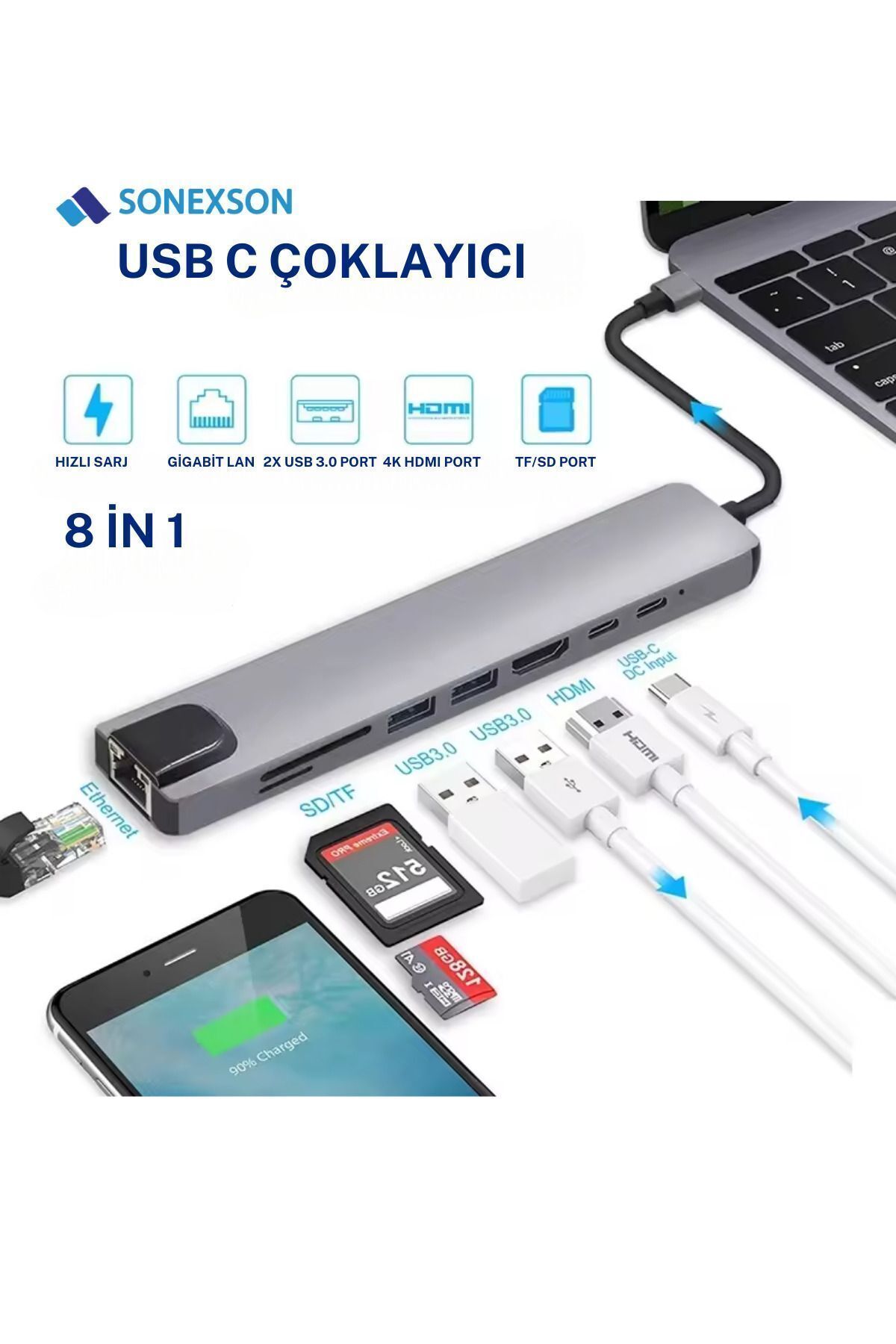
Before using the product, make sure that the Type-C port of your MacBook or USB Type-C compatible device supports image and data transfer.
-
Insert the hub connection directly and fully into your device, do not force it during connection.
-
When using ports such as HDMI, USB, SD or Ethernet, make sure that the cables and cards are inserted in the correct direction.
-
It is recommended to use the product on a flat and airy surface as heating may occur when more than one high power consuming device is connected at the same time.
-
The hub should be kept away from water, moisture and extremely hot environments and should not be in contact with liquid.
-
Do not suddenly disconnect the cables so that the connection is not lost during data transfer or image transfer.
-
The product has plug-and-play feature, no additional software is required.
-
Store the product in a protective bag to prevent damage to the ports during transportation.
•
•
•
•
•
•
•
•
•
•

favorite
account_circle
shopping_bag
Cart Catalogue
