


-
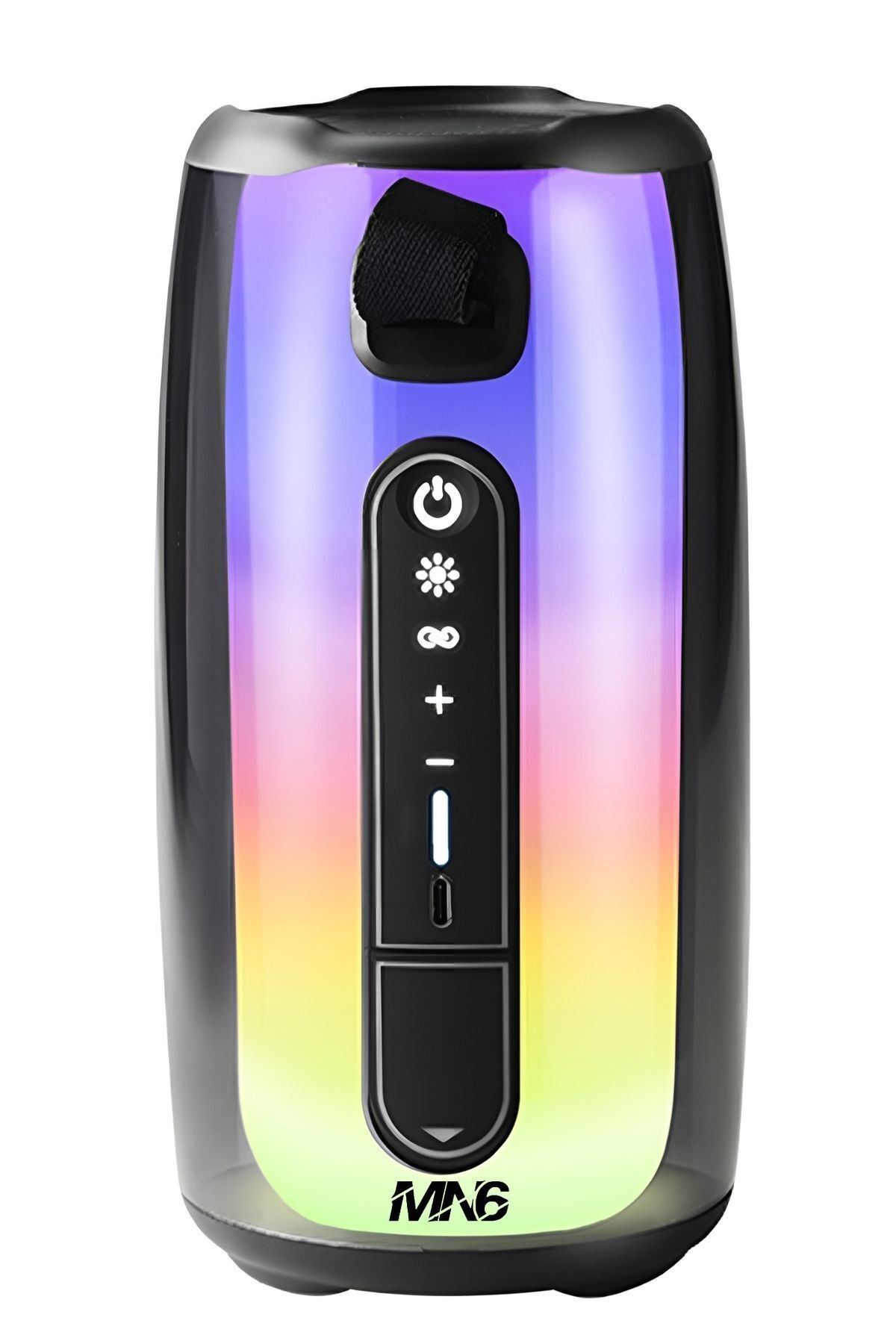
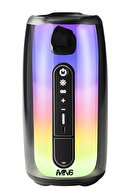
MN6 Pluse 7 Sound Grenade* *: This sleek and modern Bluetooth speaker stands out for its Sound quality and eye-catching LED lighting.
-
360° LED lights add color to your environment by adapting to the rhythm of your music.
-
The 15W speaker system delivers a clear and deep bass-filled audio experience.
-
Thanks to its portable and compact design, you can carry it with you anywhere.
-
The speaker offers up to 10 hours of uninterrupted playback time and is ready to use again in a short time thanks to its fast charging feature.
-
Volume adjustment and light mode switching are very easy with the minimalist control panel.
-
MN6 Pluse 7 is the ideal choice to take your music enjoyment to a new level! Technical Specifications The product can operate for 6 to 8 hours continuously when the lighting is on and 8 to 10 hours when the lighting is off.
-
Compatible with all Bluetooth devices such as smartphones, tablet PCs, iPOD.
-
COMPATIBLE WITH ALL DEVICES WITH Bluetooth Charging Time: approximately 4 hours Charging voltage :DC 1A CHARGING INPUT: New generation tybeC INPUTS: tybeC- Aux-USB-TF Frequency response range : 100Hz--20kHz SOUND POWER: 1*15W Battery capacity: 4000AH Bluetooth version :5.4 1+1 couplet Shooting distance 10 meters 3D Stereo music Surround Sound feature Working voltage :DC3.7V Easy button control, on/off, play/pause/Bluetooth/ Box content 1 TybeC Charging cable 1 Aux Cable 1 User manual/English/ 1 MN6 Pluse 7 wireless speakers Bluetooth speaker How to connect ? 1. * * Turn On the Speaker * *: Turn on the speaker and put it in Bluetooth mode.
-
-
- *Turn on Bluetooth * *: Turn on your device's Bluetooth features.
-
-
-
-
- Switch to Pairing Mode * *: Switch the speaker to pairing mode (usually by pressing the Bluetooth button).
-
-
-
-
-
- Scan your device * *: Go to Bluetooth settings on your device and find the speaker.
-
-
-
-
- *Pair * *: Select the speaker and complete the pairing process.
-
-
-
-
- Select Audio Source * *: After confirming the connection, check that the audio from your device is routed to the speaker.
-
-
-
How to connect the Bluetooth speaker to the computer 1. * * Turn On the Speaker * *: Turn on the speaker and put it in Bluetooth mode.
-
-
- *Turn on Bluetooth * *: - * Windows *: Turn on Settings > Devices > Bluetooth.
-
-
Mac* *: Turn on System Preferences > Bluetooth.
-
-
-
- Pair Device * *: - * *Windows * *: Select "Add Bluetooth or other device", locate the speaker and connect.
-
-
-
Mac* *: Find the speaker in Bluetooth settings and click "Connect".
-
-
-
- Set Audio Output * *: - * *Windows * *: Right-click the audio icon, select "Playback devices" and make the speaker the default.
-
-
-
Mac* *: Select System Preferences > Audio > Output > Speaker.
•
•
•
•
•
•
•
•
•
•

favorite
account_circle
shopping_bag
Cart Catalogue
