


-
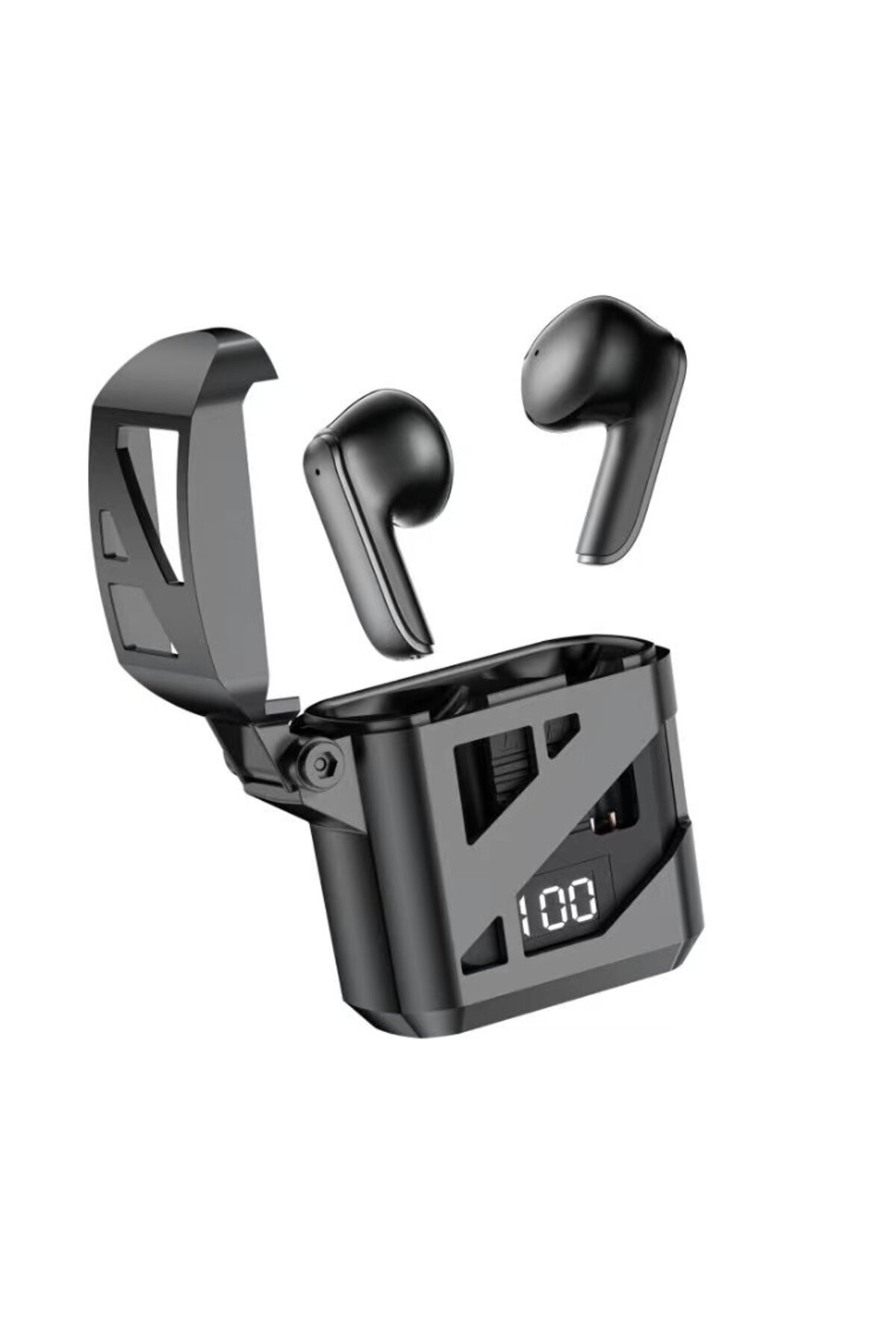
touch pad
-
Digital display
-
Microphone
-
Play/Stop Track: While listening to music, you can press once to stop or continue playing the track.
-
Previous & Previous amp
-
Next Track: Press and hold the left earpiece for 2 seconds to play the previous music, press and hold the right earpiece for 2 seconds to play the next music.
-
Volume Down &
-
Volume Up: Double Click on the left headset to increase the volume, Double Click on the right headset to decrease the volume.
-
Answer / End Incoming Call: You can answer / end the incoming call by pressing the touchpad on the Right and Left earphones.
-
Rejecting an Incoming Call: You can reject an incoming call by holding down on the Right and Left earbuds.
-
Callback: Press any headset 4 times to callback.
-
Siri: Press the touchpad on the Right or Left earphone 3 times to activate Siri / Voice Assistant.
-
Charging Status: LCD Display shows the charging of the case.
-
During charging, the headphones are turned off and the phone is disconnected.
-
After the headset is fully charged, the Charging Base LED light turns blue and then turns off.
-
Warnings: Our headphones are not water resistant.
-
Please keep away from liquids.
-
In cases where the battery level is low, you may experience problems such as connection and loss of sound.
-
Try to use your device with full charge.
-
Technical Specifications: 2.4 GHZ Frequency, 32 OHm Sound Quality, Bluetooth V.5.3 + EDR Stereo
•
•
•
•
•
•
•
•
•
•

favorite
account_circle
shopping_bag
Cart Catalogue
