


-
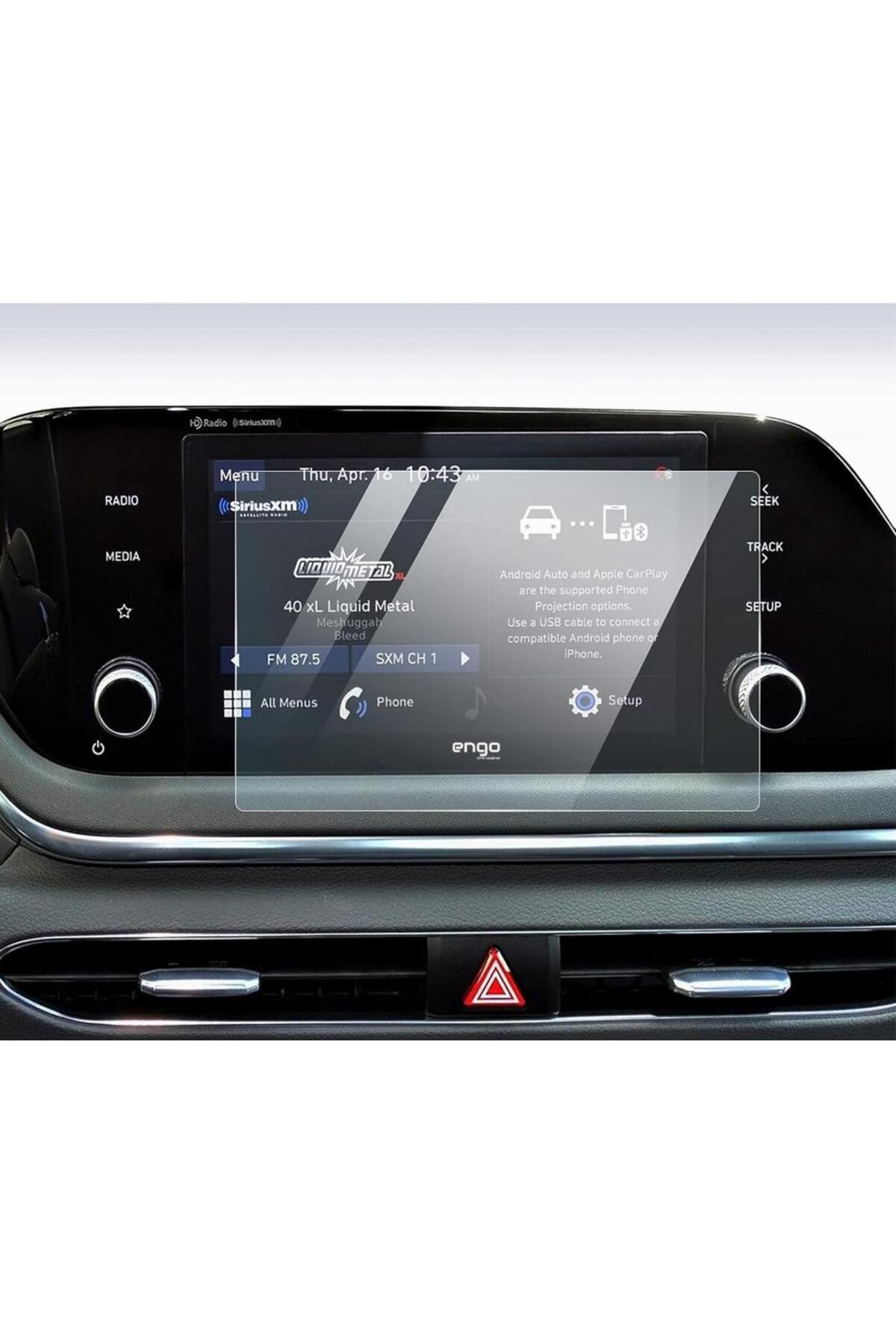
Hyundai i20 8-Inch Multimedia Screen Protector Meet our screen protector specially designed to protect your screen from dust, scratches and the negative effects of daily use with the Hyundai i20 8-inch multimedia-compatible screen protector.
-
This high-quality screen protector helps you maintain the technological quality of your vehicle for a long time.
-
Superior Protection: Made of quality materials, Hyundai i20 8-inch screen protector protects the navigation screen from scratches, impacts and other external factors.
-
Provides a long-lasting image by keeping your screen clean and smooth.
-
Perfect Clarity: Hyundai i20 screen protector maintains ultra-clear image quality, clarity and brightness, thus maximizing your driving experience.
-
Durability: Providing long-lasting durability, our screen protector keeps your car's navigation screen safe in everyday use.
-
It maintains its durability for a long time thanks to its high quality materials.
-
Choose the best screen protector to perfectly protect the Hyundai i20 multimedia screen protector.
-
Order now and get maximum protection for your vehicle's screen.
-
How to Install Hyundai i20 8-inch Multimedia Screen Protector? To apply the Hyundai i10 8-inch navigation-compatible nano screen protector, you can follow the steps below: Clean the Screen: Clean the screen before applying the screen protector.
-
Prepare the screen by gently wiping the items such as dust, dirt or fingerprints with the cleaning kit that comes out of the package.
-
Remove Protection Gelatin: Remove the protection gelatin on the screen protector.
-
First, carefully remove the protection gelatin on label 1.
-
Gently peel off the gelatin to reveal the sticky side of the screen protector.
-
Application: Carefully place the screen protector on the screen.
-
Properly apply by pressing the entire screen using your thumb to avoid air gaps at the edges.
-
In this way, you will prevent the formation of air bubbles.
-
Remove Protection Gelatin: After applying the screen protector properly, remove the protection gelatin on label 2.
-
Gently peel off the gelatin so that the screen protector is fully ready for use.
-
Note: It is important to gently remove the protection gelatin before applying.
-
Otherwise, the application process may become difficult by affecting the adhesive side of the screen protector.
-
By following these steps, you can properly apply the screen saver and protect your screen safely.
•
•
•
•
•
•
•
•
•
•

favorite
account_circle
shopping_bag
Cart Catalogue
