


-
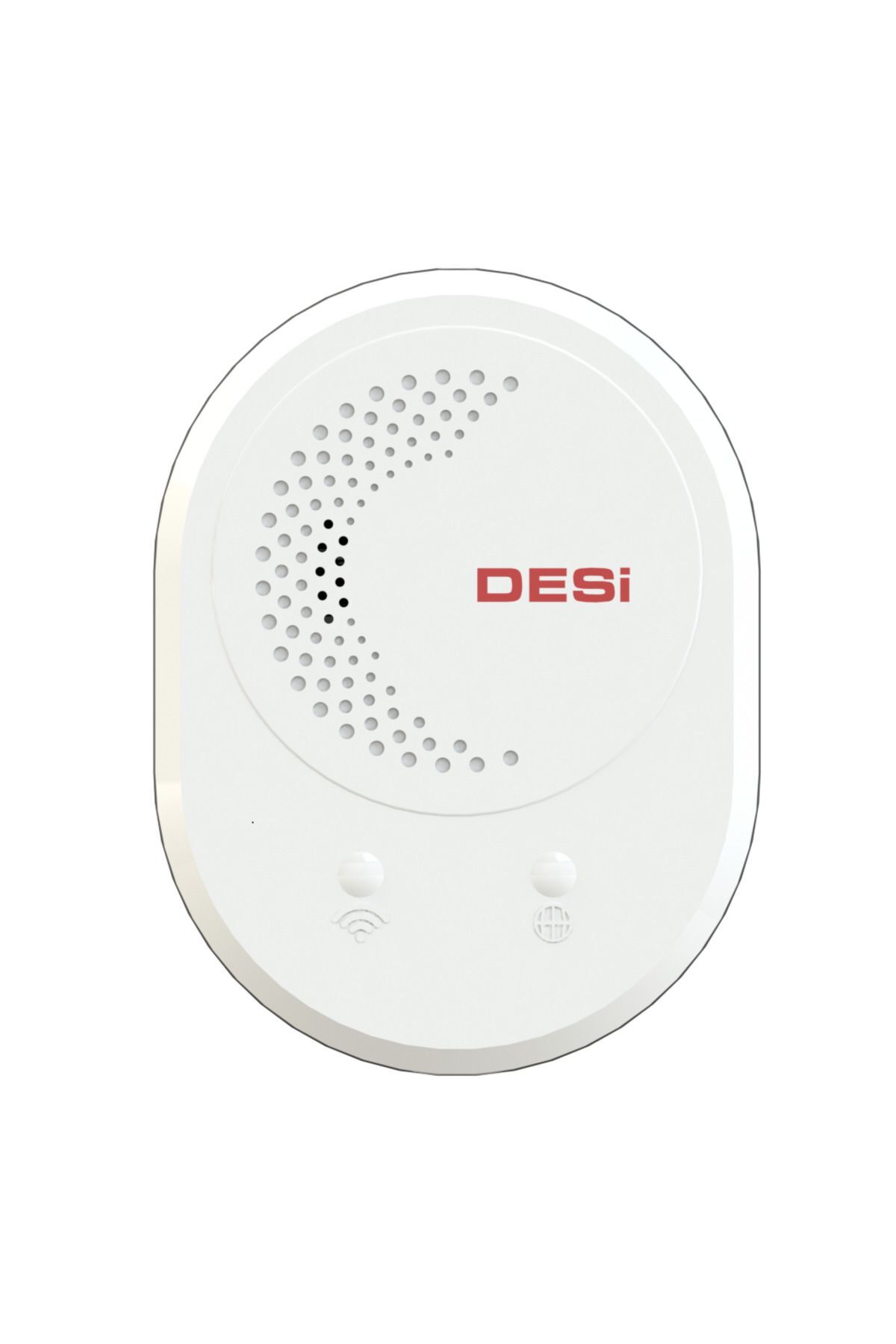
With DESi Smart Bridge, you can now control your Utopic series smart locks from anywhere in the world.
-
You can introduce a total of 4 different Utopic smart locks or mini receivers to a single Smart Bridge.
-
Smart Bridge is controlled through DESi Smart application.
-
You can easily pair the Utopic smart locks you are authorized with by following the steps in the application.
-
What can you do with Smart Bridge? You can add a total of 4 different Utopic R & Utopic 2 & Utopic 3 smart locks or mini receivers
-
You can unlock or lock your locks remotely
-
You can see the battery status of your Utopic smart locks
-
You can see if your door is locked or unlocked
-
You can add 2 different authorized users (Authorized users can add an unlimited number of users)
-
You can choose which lock users can control
-
You can authorize a user to use more than one lock if you wish
-
What is required for Smart Bridge installation? Wifi
-
DESi smart app
-
DESi Utopic smart lock or mini receiver
-
What is the control distance of the smart bridge? For the most efficient use, the WiFi internet signal level shown on the app must also be at a minimum of level 3.
-
There should be a maximum of 10 meters between the modem and the DESi Smart Bridge.
-
There should be a maximum of 5 meters between DESi Smart Bridge and Utopic smart locks.
-
It can be used at longer distances.
-
However, the lock and battery status may not be displayed properly.
-
Unlocking and closing can take place at longer distances over RF 433mhz.
-
However, the battery status and lock status of your smart lock are controlled via bluetooth, the distances are shorter for this process.
-
Smart Bridge General Features Power: 5V
-
Cable Type: Type-C
-
Built-in WiFi, Bluetooth and RF 434mhz module
-
Unlimited user identification
-
4 different authorized identifiers
-
Black or White
-
Usage distance of 10 meters (may vary depending on the environment)
-
Compatible Devices: Utopic R, Utopic R OK, Utopic 2 and Utopic 3 smart locks
-
Devices You Can Use the Smart Bridge Utopic R and Utopic R OK (Device Type ND and AD) Utopic 2 (Device Type N2) Utopic 3 (Device Type N2) can be sent in black or white depending on the stock status.
•
•
•
•
•
•
•
•
•
•

favorite
account_circle
shopping_bag
Cart Catalogue
